The short answer
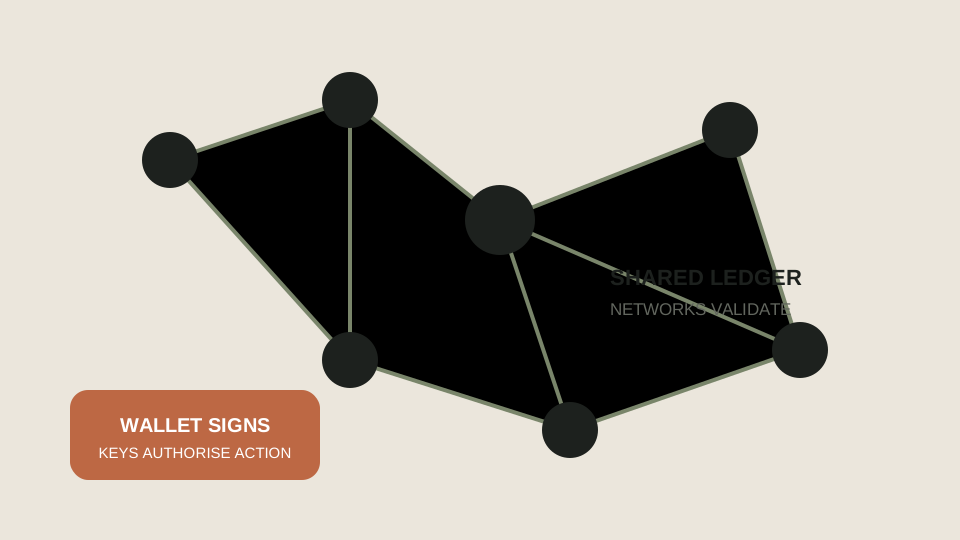
A wallet uses signing keys to authorise blockchain actions. Keep private keys and recovery phrases secret; independently verify the destination, asset and network before transferring.
- Explain the difference between an address, a private key and a recovery phrase.
- Spot common phishing and approval traps.
- Use a safer send-and-receive process.
What a wallet controls
A public address can usually be shared to receive assets. A private key authorises actions from that address. A recovery phrase is a human-readable backup that can recreate a wallet’s keys. The phrase is not a password that support staff should request; anyone with it may be able to control the assets.
Custodial services may hold keys on your behalf, while non-custodial wallets put more responsibility on you. Neither label removes risk. Custody, counterparty exposure, software bugs and human error are different risk categories.
- Public address: identifier you can share for receiving.
- Private key: secret authorisation material.
- Recovery phrase: secret backup that must stay offline and private.
A safer transaction routine
Install wallet software only from the project’s official source. Record a recovery phrase offline, never in a screenshot or cloud note, and check the words before confirming. When sending, compare the address on the device screen with the intended address and verify the network and token type.
Use a small test transaction when the amount or destination is meaningful. Smart-contract approvals can grant permissions that persist beyond one action, so review and revoke permissions through trusted tools when appropriate.
Threats worth recognising
Phishing pages copy a real exchange or wallet. Fake airdrops ask you to connect and approve a transaction. Impersonators offer recovery help or promise to reverse a payment. Malware can replace a copied address. These attacks target attention, not technical expertise alone.
Use bookmarks, hardware confirmation screens, transaction simulations and independent verification. If something feels rushed, stop. A delayed transaction is usually easier to handle than an irreversible mistake.
- Unexpected direct messages
- Seed-phrase requests
- Unverified browser extensions
- Token approvals you do not understand
- Address replacement malware
A wallet safety rehearsal
Before sending an asset, open the receiving service yourself and check its supported network, address and any memo. The same token label can appear on different networks, so the symbol alone is not enough.
Practise on paper with a fictitious destination before moving real funds. The transfer checklist gives the operational steps; this lesson explains why losing or sharing a recovery phrase is a separate custody risk.
Before pressing send
Read the destination address from the trusted source, compare the first and last characters, check the network, send a small test if appropriate, and only then send the planned amount. Keep the confirmation and transaction ID for your records.
Choose the next useful step
- Crypto transfer safety checklist before you send
Check the destination address, network, memo, fees and small-test process before sending crypto from a wallet or exchange.
- Crypto for beginners: a grounded first lesson
Learn what cryptocurrency is, how blockchains record transactions, and what a beginner should check before taking any financial risk.
- Risk management in trading: cash risk, stops and exposure
Learn practical risk management in trading: cash risk, stop planning, correlation, drawdown and why survival comes before returns.
Carry these four ideas forward.
- Keep recovery material offline.
- Use official downloads and bookmarks.
- Verify address, network and token.
- Reject urgency and unsolicited support.
Three questions before the next tab.
Choose the answer that best matches the lesson. This is a memory check, not a market signal.
Continue with original sources.
These links provide definitions and current context. Product rules, regulation and network details can change, so verify time-sensitive information at the source.
Before you move on
Should I keep crypto on an exchange or in a wallet?+
That is a custody and risk decision. Compare counterparty, access, recovery, security and local regulatory considerations; learn the mechanics before moving funds.
Can a transaction be reversed?+
Many blockchain transactions cannot be reversed once confirmed. A recipient or service may choose to help, but there is no general undo button.
Is a hardware wallet risk-free?+
No. It can reduce some online-key exposure, but phishing, loss, wrong network and recovery-phrase mistakes remain possible.